
Vacuum
On the tile: the robot, Docked, Cleaning or Returning to dock, and its battery. Teal while it works, red on an error.
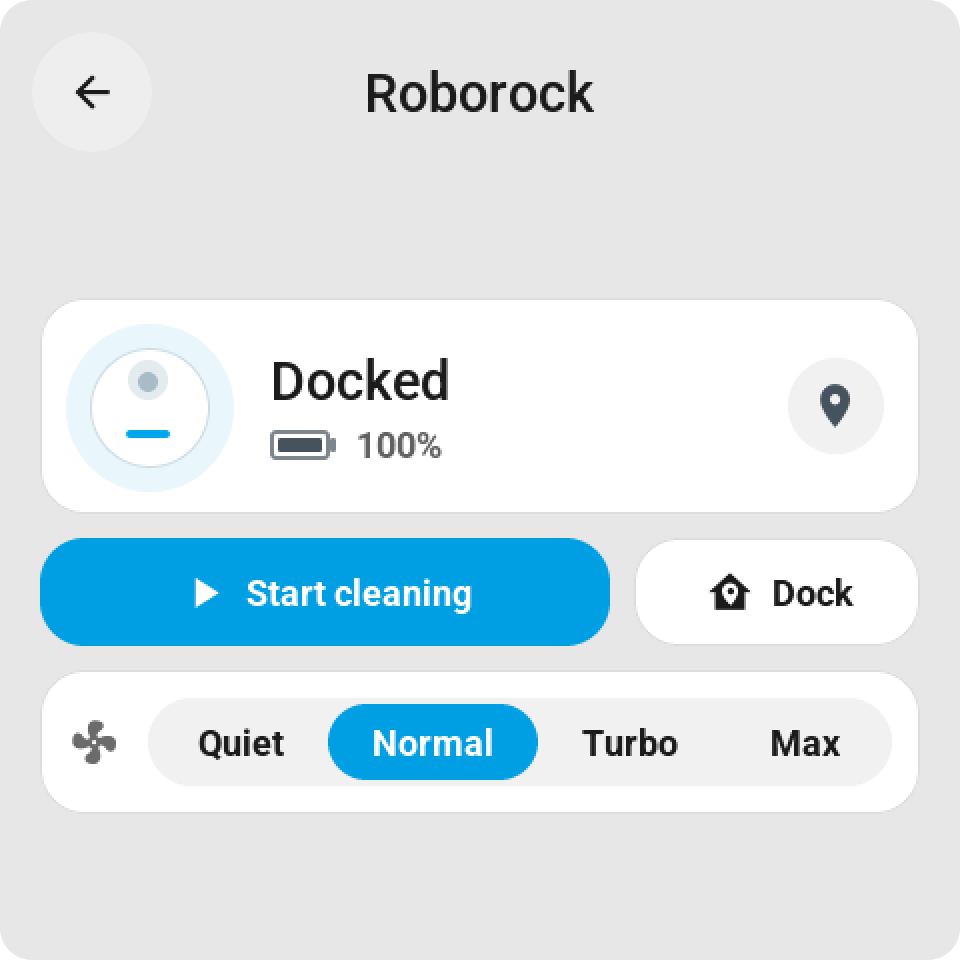
Tap or hold opens the card: the state and the battery, then Start cleaning, Pause or Resume, and Dock. Under them how it cleans, as far as the robot offers it: vacuum, vacuum and mop, or mop only; suction from quiet to max; the water level. Only the rows the chosen mode uses are shown.
On a bigger tile: Start, stop, dock on the tile itself.