 tessera
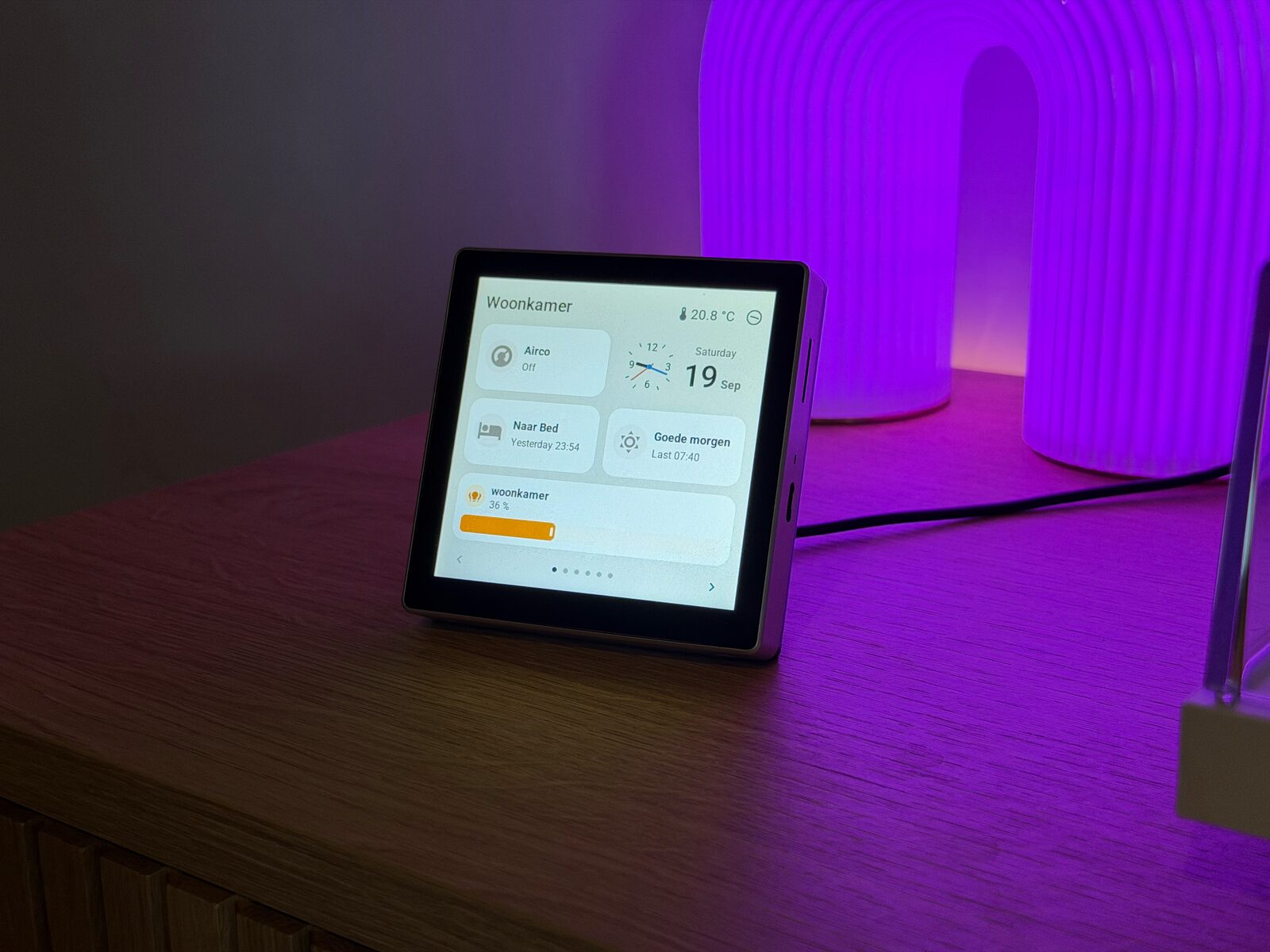
Made for Home Assistant.Your lights, music and heating, on a touch screen.
A screen for every room.
One simple editor.
Add screens with a guided USB setup, then make them your own with a drag-and-drop editor. No programming needed.
Free and open source. No subscription. Available in 8 languages.
Your next screen starts with a USB cable.
The setup wizard guides you through choosing your screen, giving it a name and connecting it to Wi-Fi. It builds and installs the software for you.
- Connect your screen. Plug it into the machine running the manager with a USB data cable.
- Follow the wizard. Choose the matching board and USB port, then install. Follow the pairing steps when it is ready.
- Add another whenever you like. Run the wizard again for the next room. Each screen has its own name and layout.
After setup, manage layouts and install updates over Wi-Fi. You do not need to write code or edit configuration files for the standard setup.
Follow the installation guideAll your screens.
One drag-and-drop editor.
Choose a screen from the sidebar, find the lights or devices you want, and drag them onto a page. Move a tile, resize it or change its colour. Press Save & send to see the change on your screen.
Manage the kitchen, hallway and bedroom from the same place, with a different layout for each. You can rearrange a whole page without writing code or flashing the screen again.
Explore pages and tilesGo on. Make it yours.
A little piece of the real editor, with two pages and fictional devices. Add a light, move a tile, try a different colour.
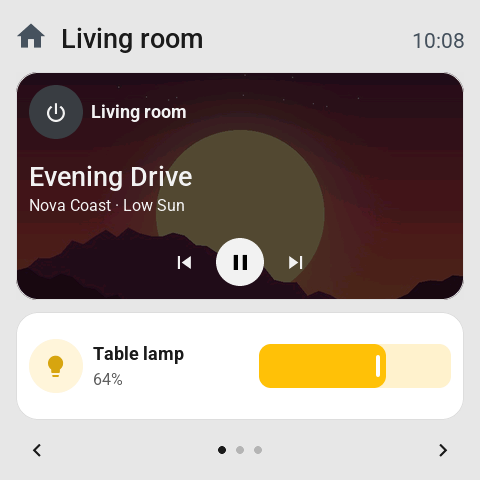
Your screen, your layout.
No account or hardware needed.Browser demo. Nothing connects to your home, and layouts are not saved.
Controls that already feel familiar.
Clear labels, recognisable buttons and sliders that work the way you expect. Tessera takes its cues from the interfaces people already use, so everyone at home can find their way around.
Readable screens and straightforward controls come first. A light looks like a light; its brightness is a slider. Tap to switch it, or hold the tile for more controls.
- Controls
- Lights, heating, blinds, scenes, music and the robot vacuum.
- Information
- Weather, clocks, sensor readings and history graphs.
- At night
- Optional dark mode, night brightness and automatic standby.
Rendered from the screen firmware with demonstration data.
Your home.
Your screens.
All local.
The manager runs on your own Home Assistant. Your screens talk to it over your home network.
No Tessera server in the middle, no Tessera account needed for your screens and no subscription to keep them working.
Installation and updates need software downloads. Some of the integrations you choose may use cloud services. The community website and its GitHub login are separate from your local screens.
Feels familiar.
In your language.
The editor and screens speak eight languages, with US and UK English options. Choose the language of your screens, along with the time and number formats that feel natural at home.
The editor follows your Home Assistant profile language.
- English (US)
- English (UK)
- Nederlands
- Deutsch
- Français
- Español
- Italiano
- Polski
- Português
Translations beyond English are available and welcome community review. Missing translations fall back to English.
Choose a screen
that fits the room.
From a small control beside the sofa to a larger panel by the door. Tessera is built for different boards, sizes and resolutions. The range keeps growing, from 2.8 to 10.1 inches, all managed in the same editor.
You supply the hardware and an existing Home Assistant setup. Tessera's software is free. Check the exact board model and support status before choosing a screen.
Compare supported screens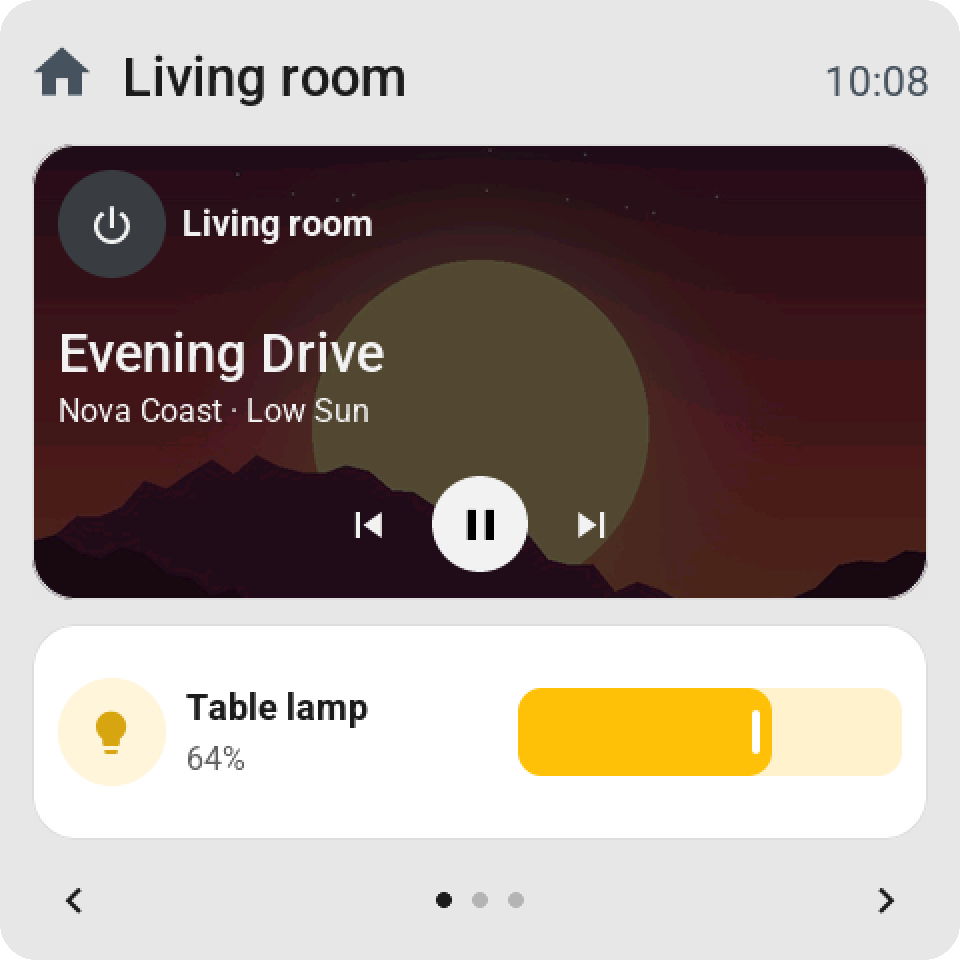
Made with an eye for design.
Tessera is made by Max, a maker with an eye for design. He likes things that look good and feel easy to use. That means paying attention to the whole experience: adding your first screen, arranging its tiles and using it every day.
Max enjoys the technical side of a smart home. The screens are made for the whole family: turn on a light, put on some music or make the room a little warmer. The aim is a good-looking interface that feels natural from the first tap, with no need to understand the technology behind it.
About the Tessera name and designFree to use. Open to build on.
The screen firmware and manager are free and open source under the MIT licence. There is no subscription and no software fee for adding another screen.
You can read the code, adapt it, report a problem or help improve it.
Max builds and maintains Tessera in his spare time and shares it for free. If you enjoy using it, you can buy him a coffee as a small thank-you. Every contribution is appreciated.
Ready for your first screen?
The guide takes you from installing the manager to adding your first tiles, with each step explained.
Open the installation guideRunning Home Assistant Container? Use the Docker guide.