
Blinds, curtains and doors
Everything Home Assistant calls a cover: a roller blind, a curtain, a garage door, a gate, an awning.
On the tile: Home Assistant's icon for the kind of cover, the name, Open, Closed, Opening or Closing, and the position in percent. Purple while it is not closed.
Tap opens the card. Set On tap to On / off and a tap opens, stops or closes instead. Hold opens the card.
The card
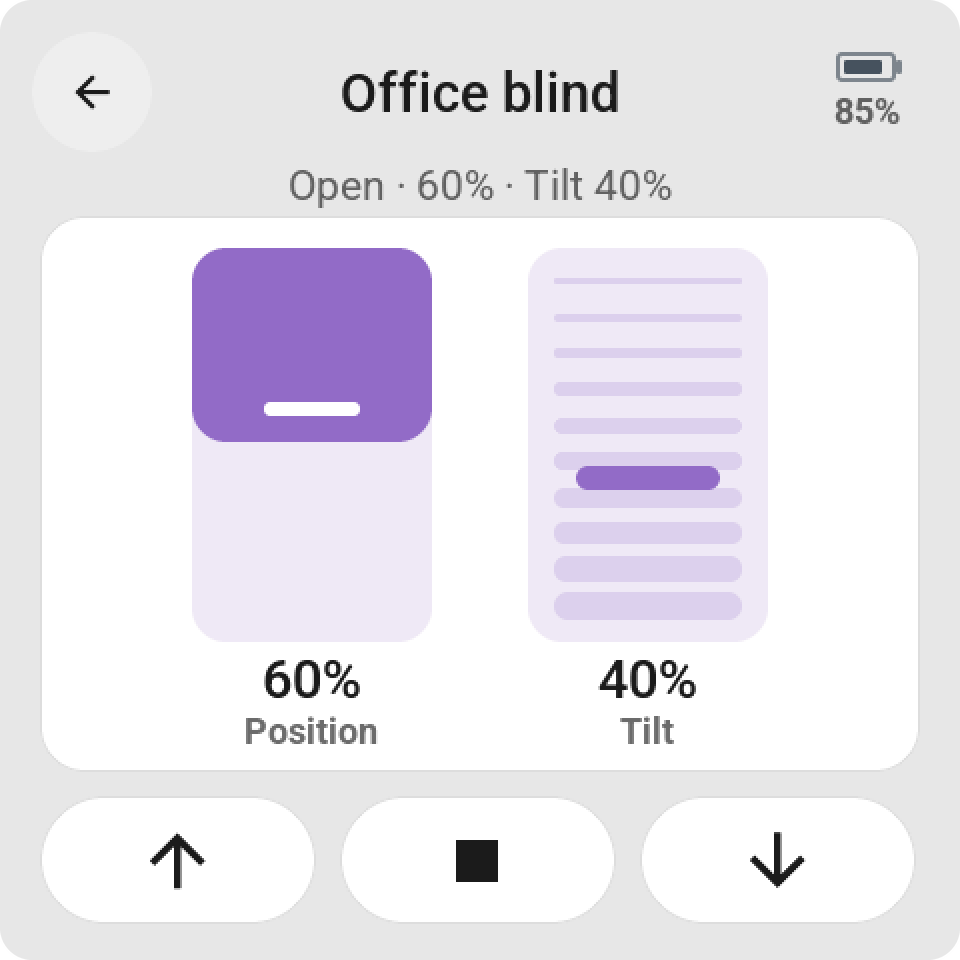
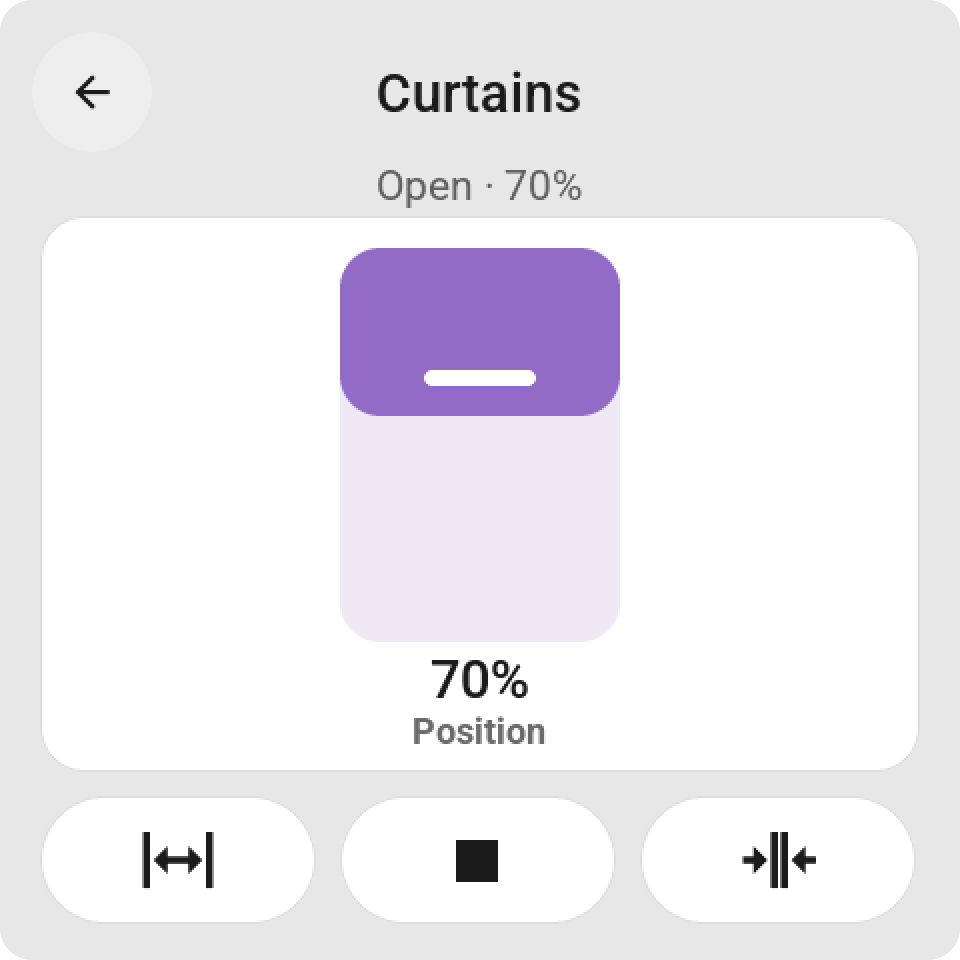
A tall slider for the position, which hangs from the top for a blind. Venetian blinds get a second slider for the slats. Under it the keys open, stop and close, as sideways arrows for a curtain, a gate or a door. A battery level shows when the cover reports one. Only what the cover can do is shown.
On a bigger tile
Open, stop, close, Position slider, Slat tilt, or a combination of position and tilt on a tile two rows high. Small slider on the tile puts the position in any tile.