
Music and media
A speaker, a television or any media player in Home Assistant.
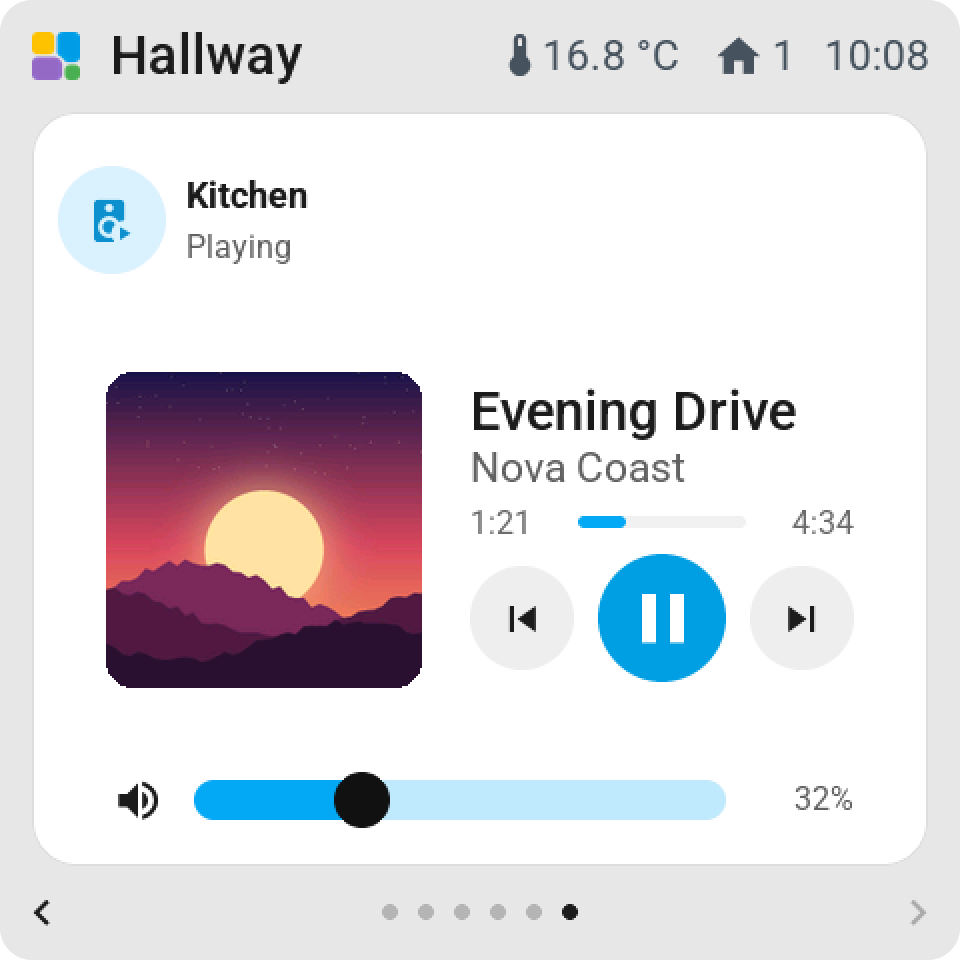
On the tile: the album cover, or the player's icon on a screen without memory for pictures; the title and the artist; Playing, Paused, Idle or Not playing. A new media tile on a screen with pictures starts with the Album cover display.
Tap or hold opens the card.
The card
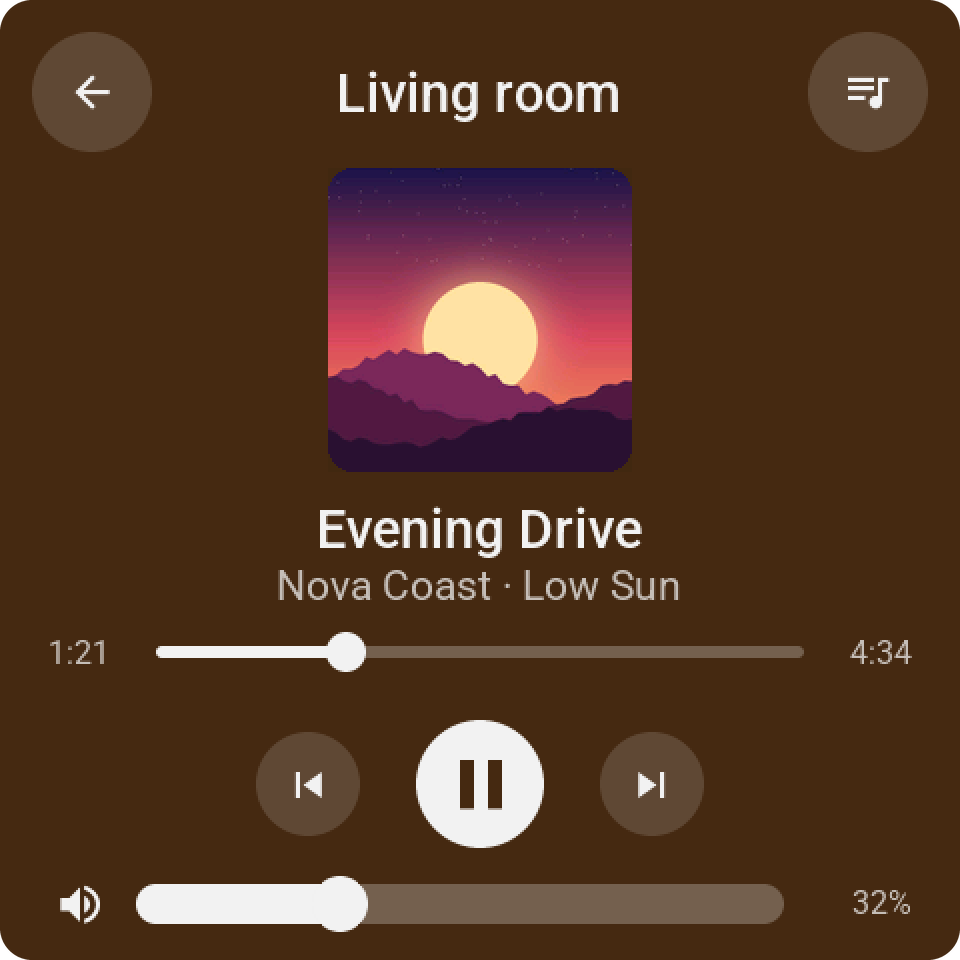
The cover, the title, the artist and the album. A progress bar you can drag to seek. Shuffle, previous, play or pause, next, repeat. A volume slider with mute. Keys the player doesn't support are faded. The card takes its colours from the cover.
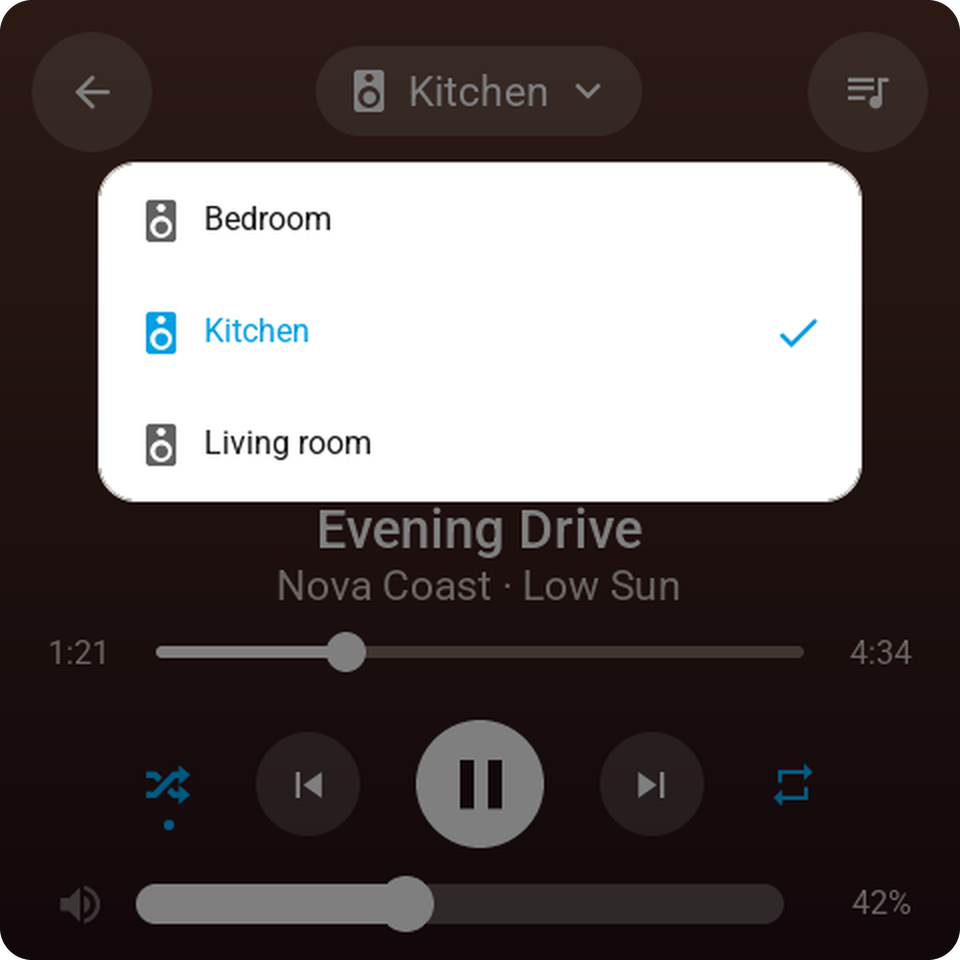
The speaker's name at the top opens the speakers: other players in the house, to send the music elsewhere, and a + to join players into a group, each with its own volume. A player with inputs has an input key.
The library
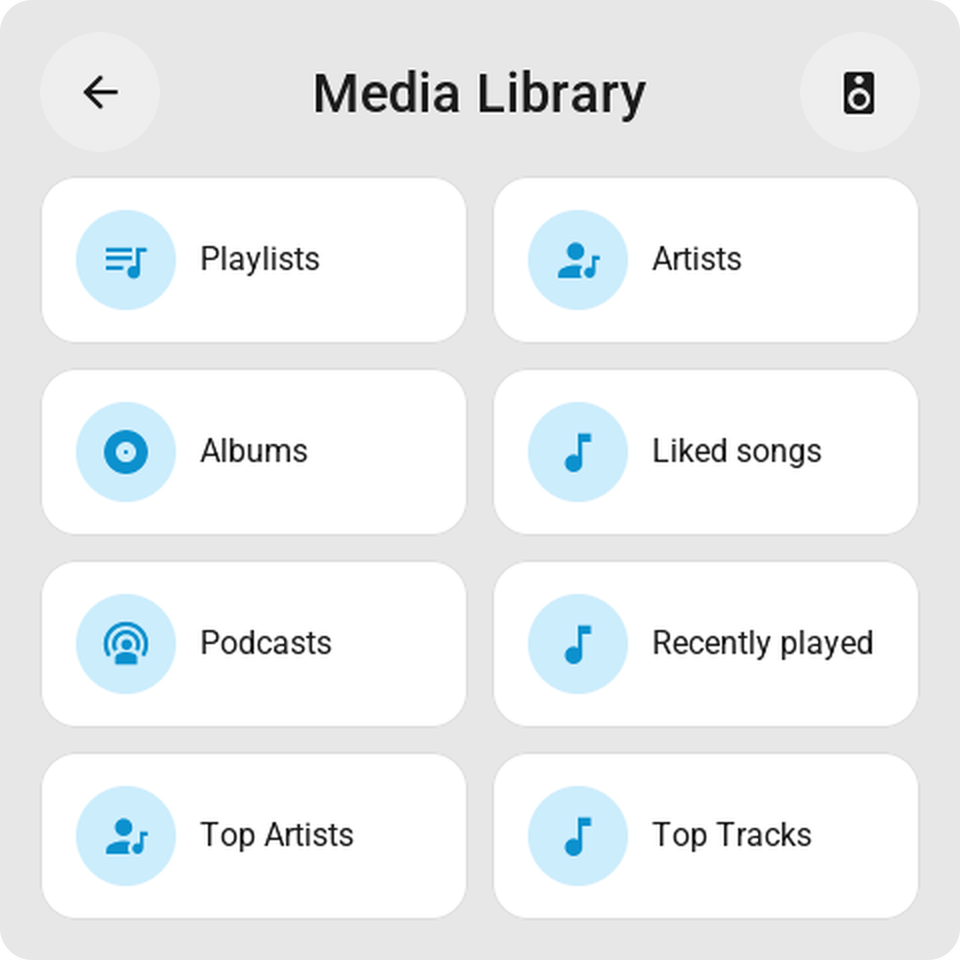
On a screen with memory for pictures, the round key at the top right of the card opens the player's library, as Home Assistant browses it: for Spotify the playlists, artists, albums and liked songs, as pages of covers. Tap a cover and it plays.
A favourite on a tile
The Favourite display turns a tile into one playlist, album or artist: its cover fills the tile, a tap plays it on the speaker you chose, and a tap while it plays pauses. Set Plays and Speaker in the tile's settings. Not on a full-page tile.
On a bigger tile
Volume and mute or Previous, play/pause, next on the tile. Small slider on the tile puts the volume in any tile. A full-page media tile is the card on the page.
In standby
A screen can show the cover of what plays while it is in standby; see Screensaver.