
Locks and alarms
Tiles that ask twice before they open the house.
Locks
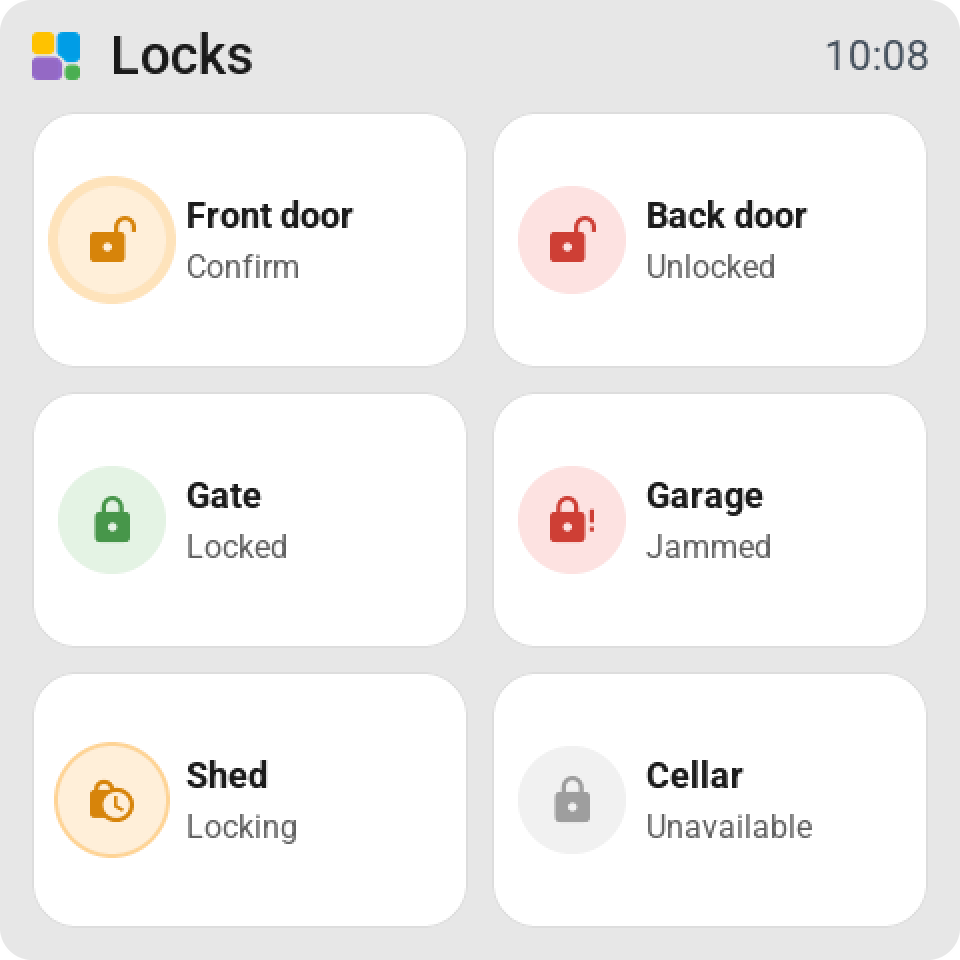
On the tile: the lock in Home Assistant's colours: green locked, red unlocked or open, orange while it moves. Locked, Unlocked or Jammed.
Tap on an unlocked lock locks it at once. Tap on a locked lock shows Confirm in orange; a second tap within five seconds unlocks it. Unlocking here in the tile's settings can be Never, so a screen in the hall only locks.
Hold opens the card: the big lock key, Unlock or Lock, and Open door for a lock that has it, which also asks "Really open?". A lock with a code gets a keypad.
Alarm panels
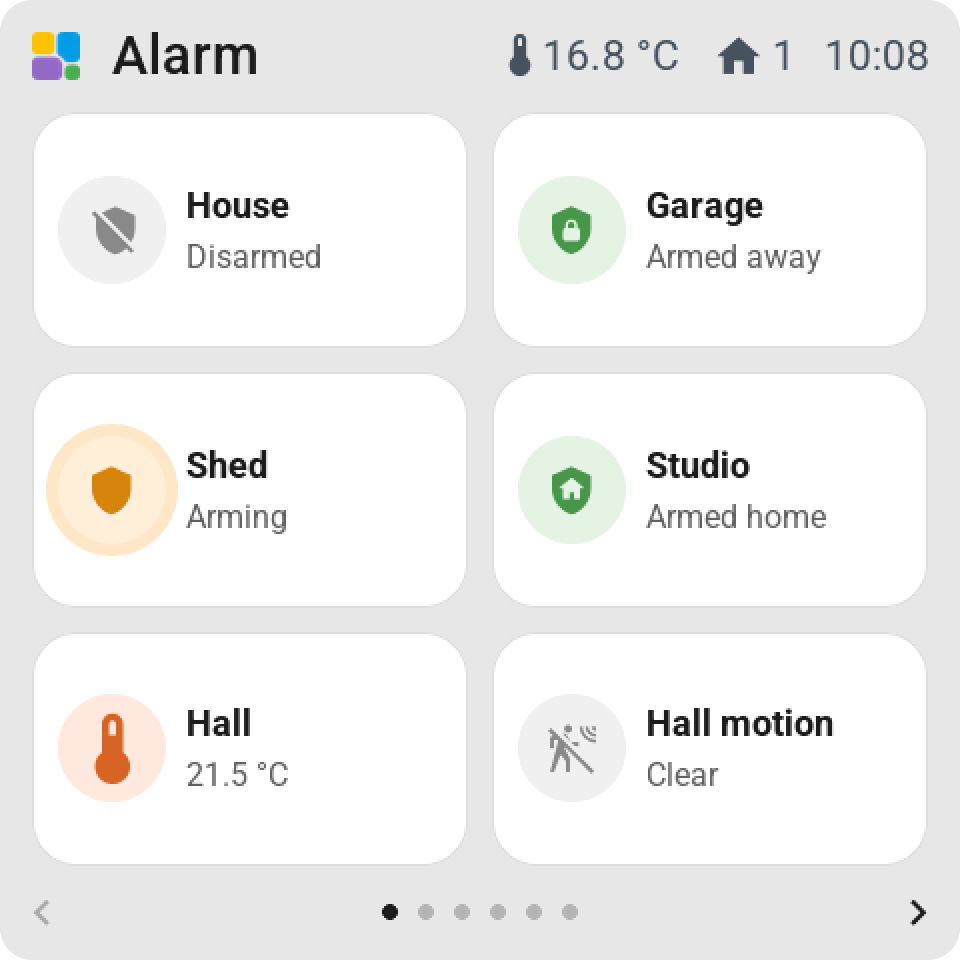
On the tile: the shield in Home Assistant's colours: grey disarmed, green armed, orange while arming or pending, red triggered. The circle beats during the exit and entry delay, and a ring counts down where the panel reports the time.
Tap opens the card: a key per mode the panel has, Home, Away, Night, Vacation, Custom, and Disarm. A keypad appears when the panel asks for a code. A code with letters can't be entered on the screen. Three wrong codes lock the keypad for 30 seconds, then longer.
A panel that goes pending or triggered wakes every screen that has its tile and opens the card.