
Sensors and values
Things you read, and numbers you set.
Sensors
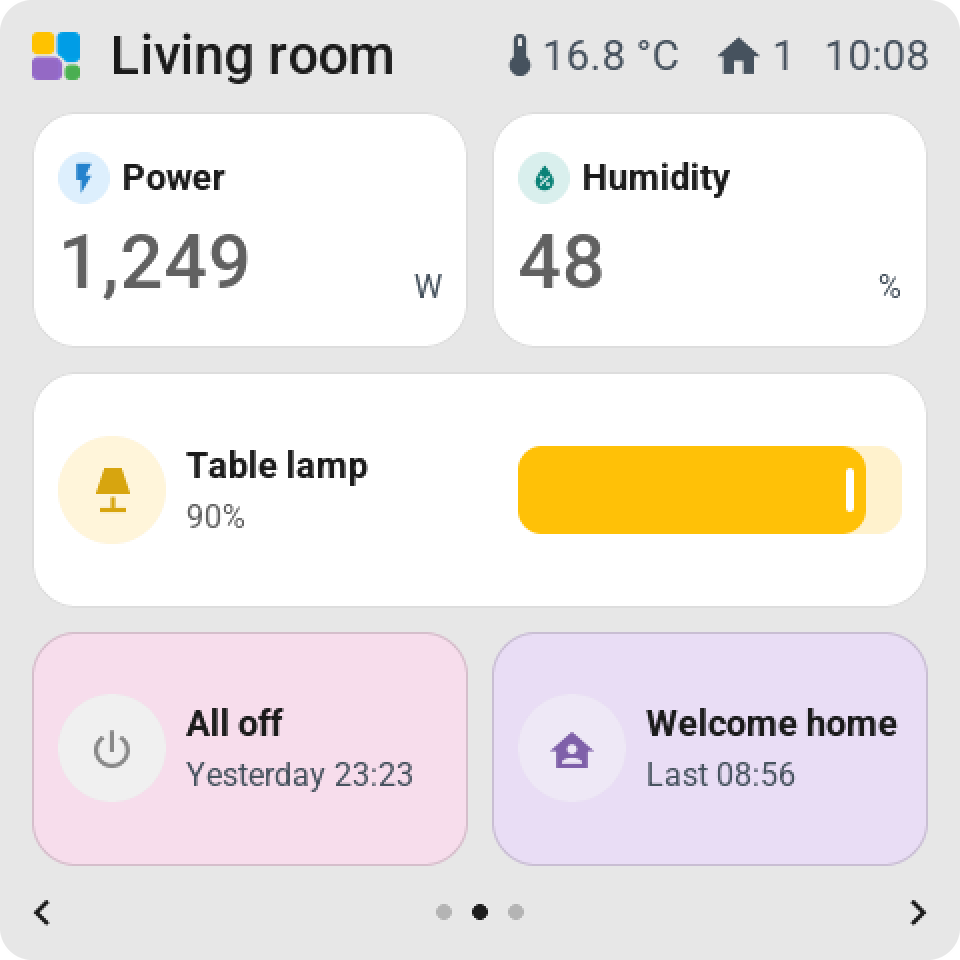
On the tile: Home Assistant's icon for the kind of sensor, the name and the value with Home Assistant's decimals and unit. The colour follows the unit: deep orange for a temperature, purple for energy, teal for a percentage; a battery goes from green to red.
Three displays: Name and status, Large value (the number big, with a small icon), and Graph, a smoothed line of the last hour, six hours or a day with a soft fill. On a double-width tile the graph stands beside the value, on a tall tile under it.
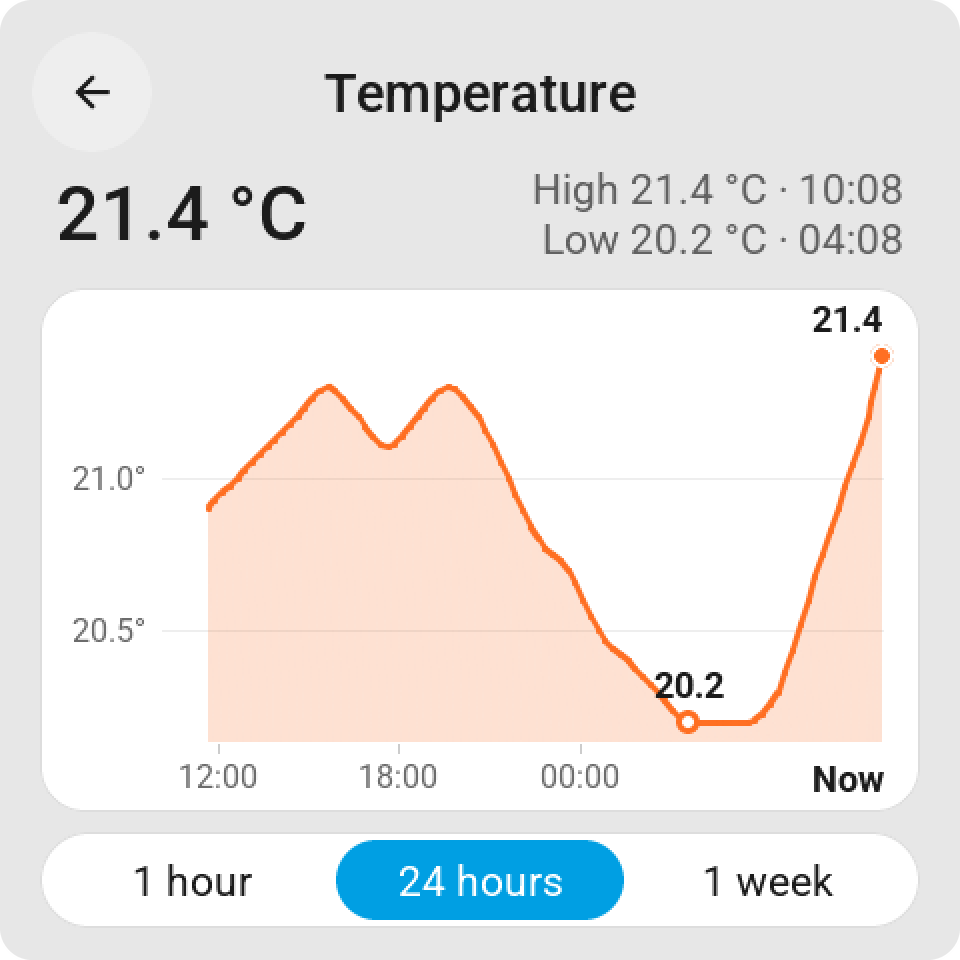
Tap or hold opens the history.
Statuses
A binary sensor: a door, a window, motion, water, smoke. On the tile: the icon and the words Home Assistant uses for its kind, Open and Closed, Detected and Clear, Wet and Dry. Red for the alarming kinds, amber for the rest. Tap opens the history: a timeline of when it was open or detected.
People
On the tile: Home, Away or the name of the zone; green at home, blue away. Tap opens the history of where they were. On a screen with memory for pictures, a person can also be shown on a map.
Values
A number or an input number. On the tile: the value with its unit. Tap or hold opens a card with a standing slider. On a bigger tile: Value − / + or a Slider. Small slider on the tile puts the value in any tile.
Selects
A select or an input select. On the tile: the current option. Tap opens the list of options with a check at the current one. On a bigger tile: Previous / next choice as two chevrons on the tile.
Timers
On the tile: Running, Paused or Stopped, and the time left. Tap starts or pauses it. Hold opens the card with Start, Pause and Cancel.
The sun
The sun entity shows Above horizon or Below horizon. The Sun path display, on a double-width or full-page tile, draws the sun between sunrise and sunset with both times.