Night mode and dark mode
Night mode is about the backlight: the screen dims deeper during the night hours. Dark mode is about the colours: a black page with dark cards, at any hour.
Night mode
On, standby dims to the night brightness between Starts and Ends instead of the standby brightness. It changes nothing while someone uses the screen: awake is awake, at the normal brightness. Default on.
Starts and ends
The night hours. Default 22:00 to 07:00. A tap on − or + moves a quarter of an hour; hold the key and it jumps to the whole hour, then walks whole hours. The hours may cross midnight. Start and end at the same time means no night at all.
The times show in the screen's clock format, 24 hours or AM and PM.
Night brightness
The backlight in standby during the night hours. 0 to 100 %, never above the normal brightness; default 10 %. At 0 the glass is black. On a screen whose backlight has no levels this row is a switch: Screen on at night.
Dark mode
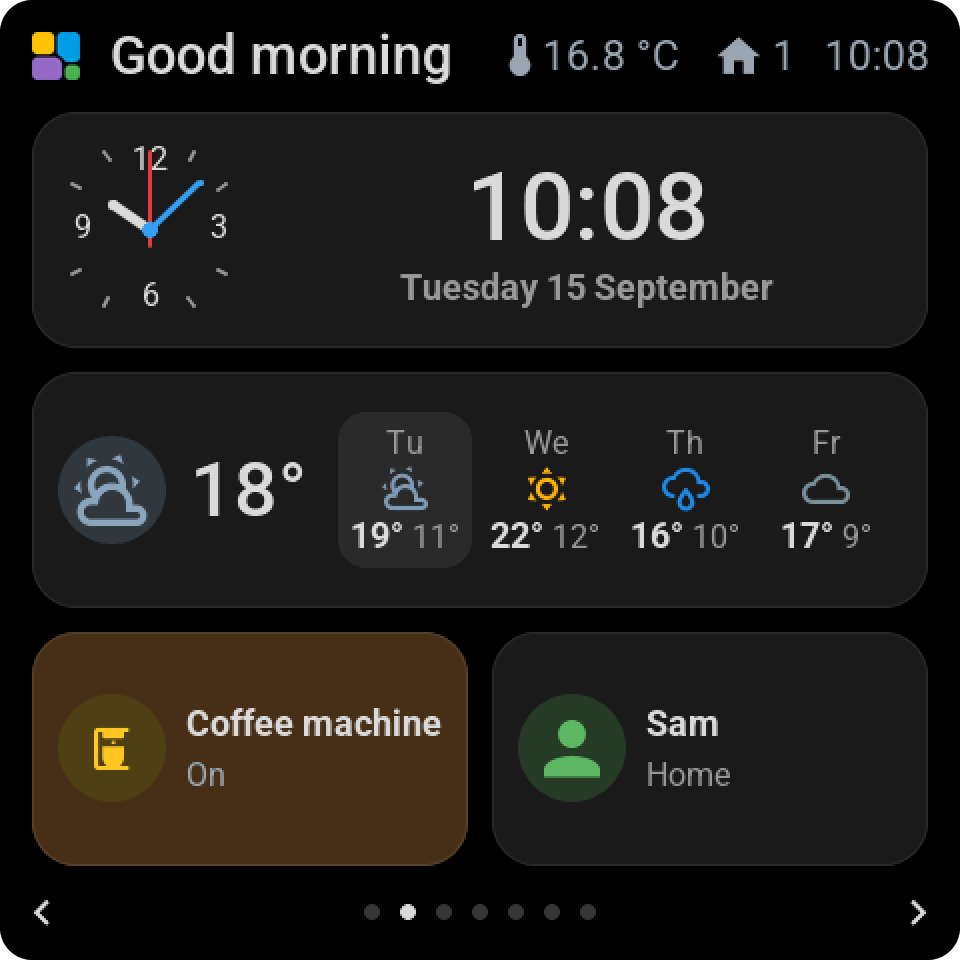
A black page, graphite cards with a thin edge and soft white text. The state colours stay Home Assistant's, and the layout, fonts and sizes are the same as in the light look. Made for a screen beside a bed or in a dark room. Default off.
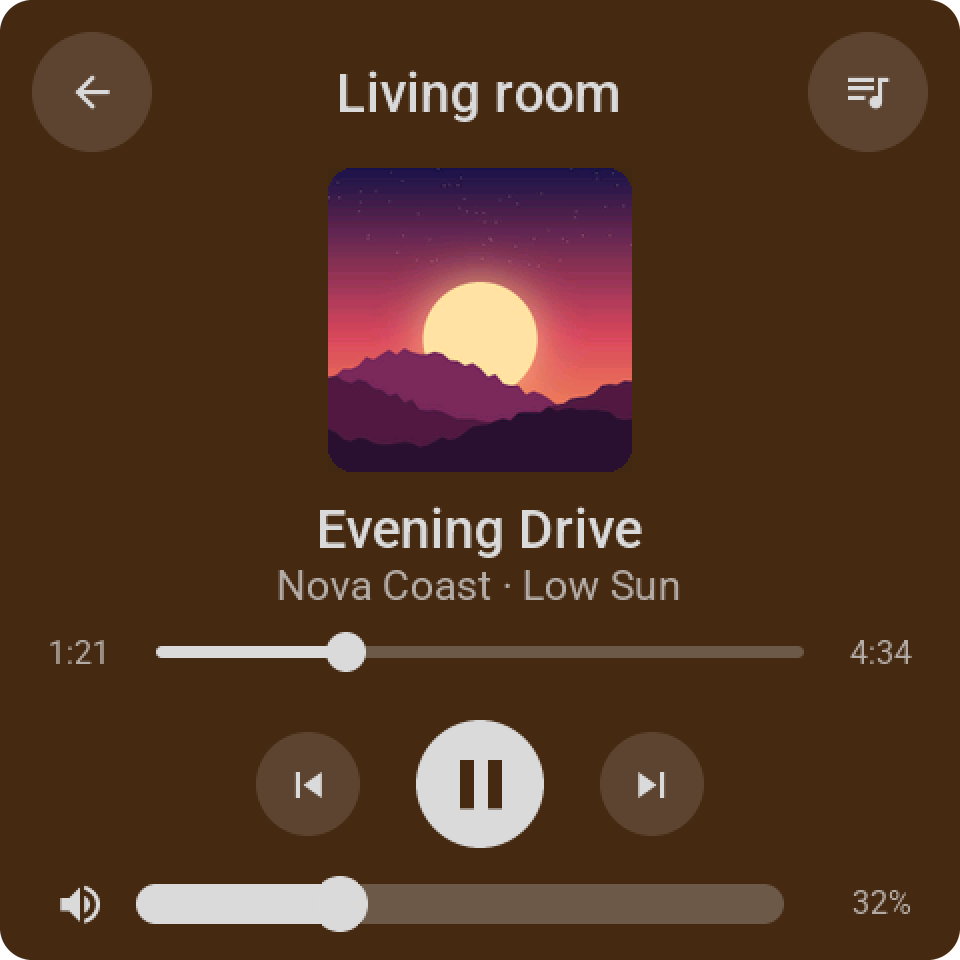
Switching it redraws the whole screen in one go, an open card included. An automation can switch it with the entity Dark mode of the screen's device: dark at bedtime, light in the morning.