 tessera
Guition P4 4.3 inch
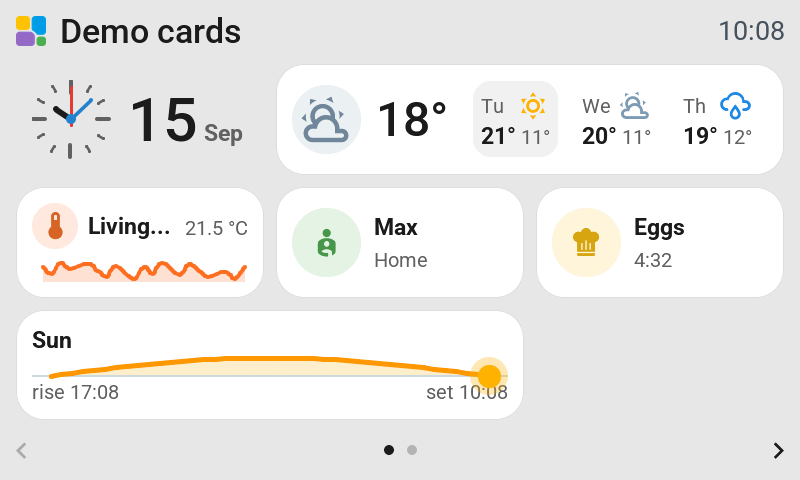
The JC4880P443: 4.3 inch, 800 × 480 lying down, with an ESP32-P4.
| Touch | Capacitive (GT911) |
| Backlight | Dims; standby and night mode |
| Capabilities | Camera pictures and album covers; live camera viewing |
The suggested grid can be changed after installation with Grid in the editor. See Change the grid.
Check the model
Only the original board with ESP32-P4 silicon before revision 3 is covered. The 10150002-V3 with revision 3 silicon does not boot this firmware. Check the chip revision in the USB log before installing. Display, touch, rotation and brightness have been tried by the contributor. Standby, camera pictures and a long run still need hardware confirmation.
Set up
Update Tessera Screen Manager and choose JC4880P443 under New screen. Follow Add a screen for the USB installation. Once it joins Wi-Fi, Tessera adds it to Home Assistant automatically.
The default landscape grid is 3 columns and 3 rows. Change the grid in the editor to suit your layout.
See Cameras and pictures for viewing Home Assistant cameras. See Plugins, Assist and screen hardware for the audio and camera features available on each model.