 tessera
The JC8012P4A1 in three revisions: 10.1 inch, 1280 × 800, with an ESP32-P4. The largest screen Tessera runs on.
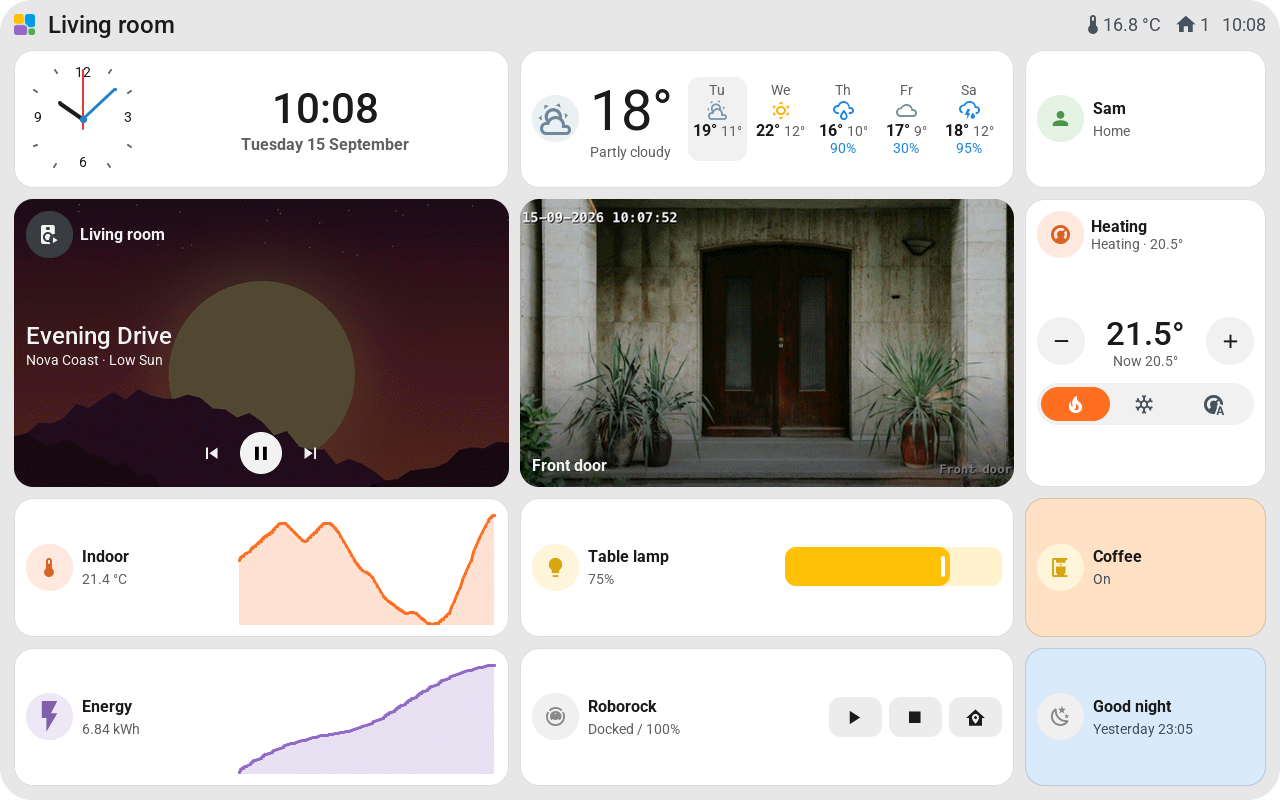
| Suggested tiles per page | 25 lying down (5 × 5), 25 standing up (5 × 5) |
| Touch | Capacitive; the catalog lists GSL3670 for the first revision and GSL3680 for V2 and V3 |
| Backlight | Dims; standby and night mode |
| Pictures | Yes |
The suggested grid can be changed after installation with Grid in the editor. See Change the grid.
Which one do you have
- V3: the label on the board or the box says V3.
- V2: the rear label says V2, and the case number is 2628 or higher.
- The first revision has neither.
They look alike, but each needs its own firmware: pick the matching model under New screen. A V3 on the first firmware never gets past the bootloader; a V2 shows a washed-out picture with a coloured line. A screen that doesn't start can't update over Wi-Fi, so install the right one over USB.
Good to know
- The suggested grid is 5 × 5 in either orientation. Use Grid beside the pages to change it later. For example, five columns and eight rows give 40 smaller tiles. The supported range is shown in the editor; save to apply it without a firmware build.
- Building the firmware yourself needs ESPHome 2026.8.0 or newer.
- A touch chip that stays dead after an update needs a full power cycle: unplug for a few seconds, battery included.
- The large glass fits tiles up to most of a page; see Tiles.