
Heating and cooling
A thermostat, an air conditioner or a heat pump, as Home Assistant's climate entity.
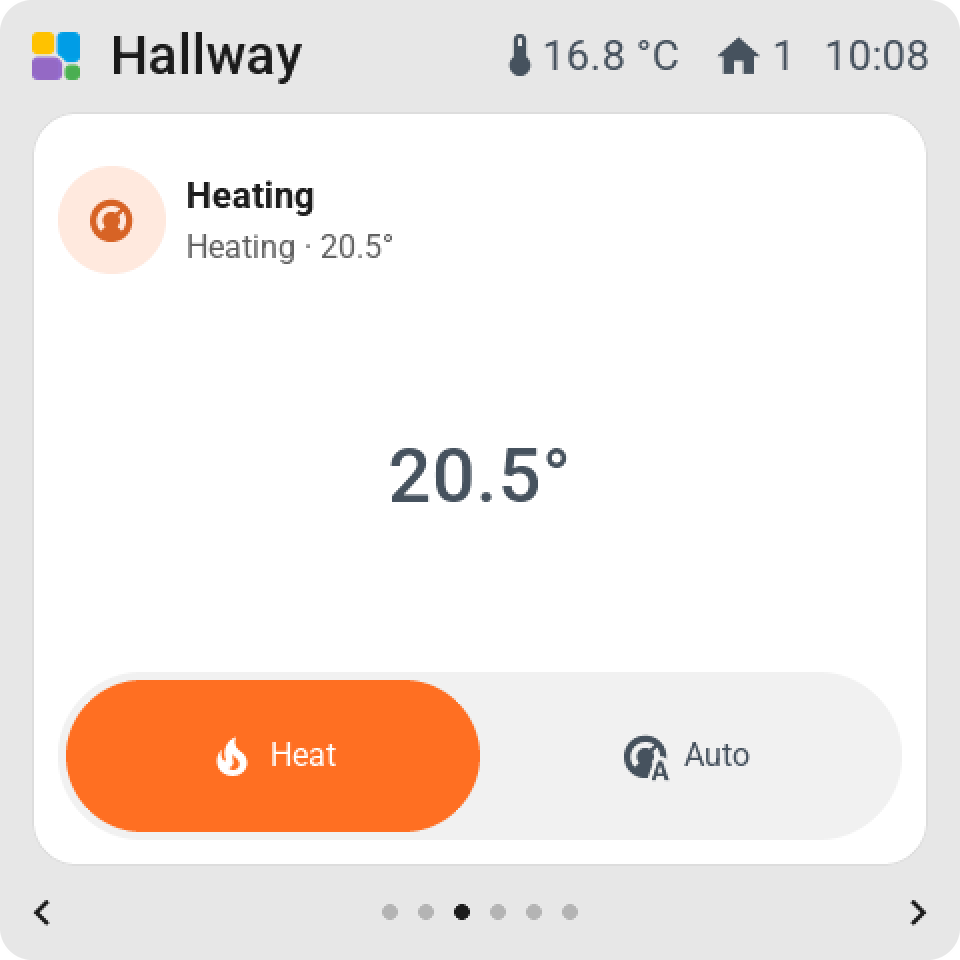
On the tile: the icon, the name, the target and the current temperature, and what it is doing: heating, cooling, idle. The colour follows the mode: deep orange for heat, blue for cool, green for auto. Off is grey.
Tap or hold opens the card.
The card
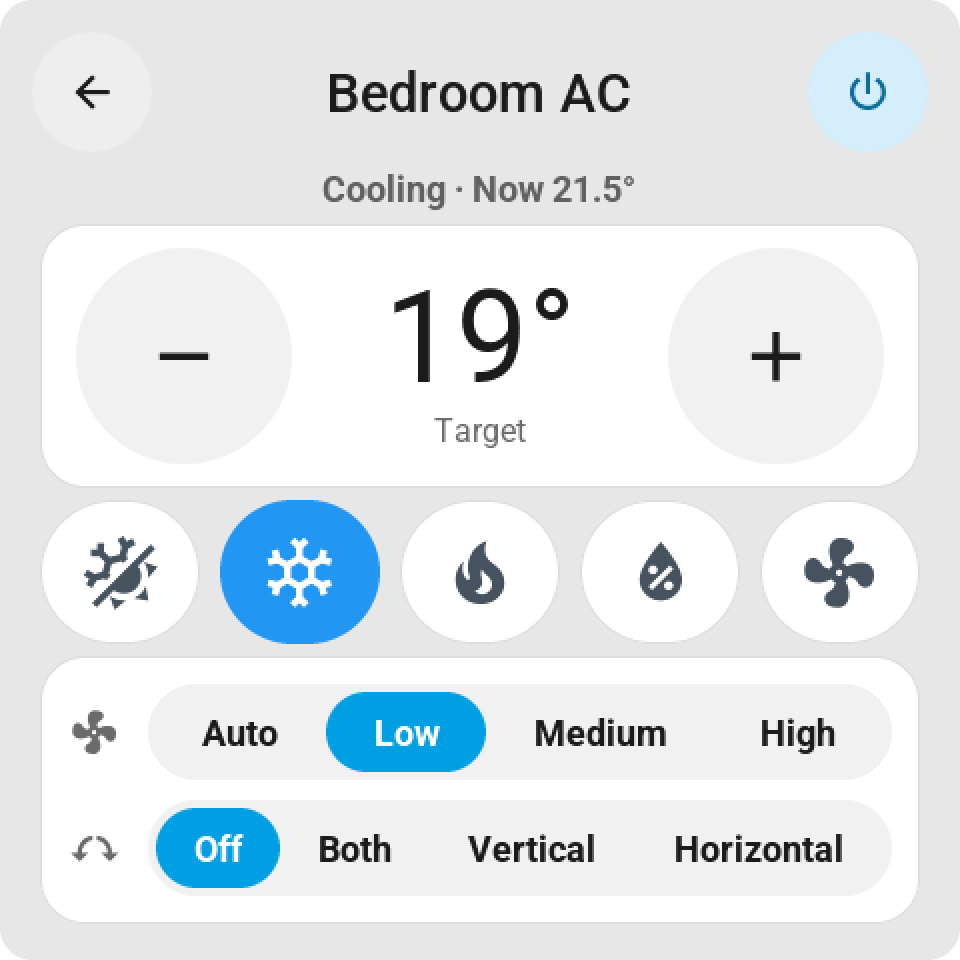
The temperature stands between a round − and + key; hold a key and it repeats. Under it, one key per mode the device has: heat, cool, heat and cool, auto, fan only, dry. Fan and Swing rows appear for a device that has them. The power key in the top of the card switches it off and on. A thermostat with a range shows the low and the high end, and a chip says which one you are moving.
On a bigger tile
A tile two rows high shows the setpoint between − and + with the mode bar under it, so nobody needs the card. Under Direct control on the tile you choose: Temperature − / +, Mode keys, or both. A mode that doesn't fit the bar sits behind "…".
On tap can also be On / off for a device Home Assistant can toggle.