
Map and people
A map of where the family is, on a screen with memory for pictures: every screen but the CYD, the Hosyond and the Waveshare 3.5 inch.
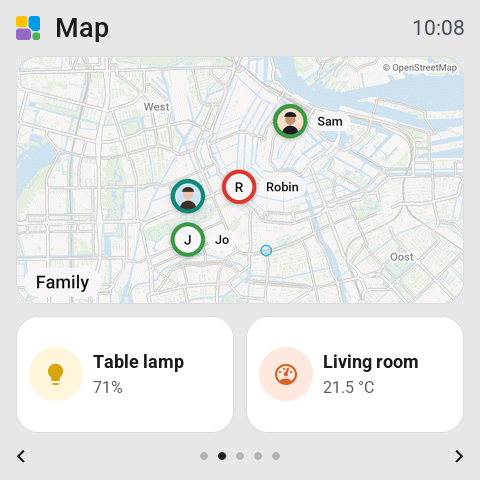
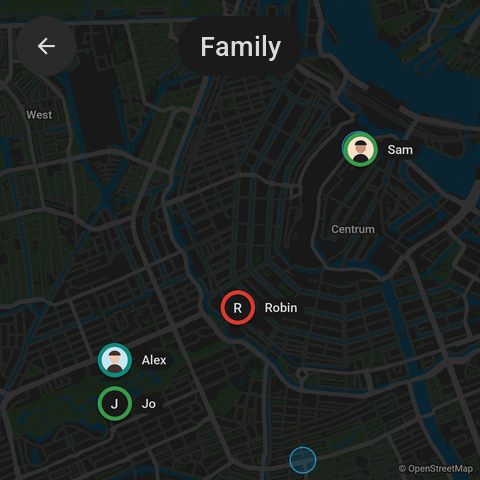
The map tile
Map in the library's Screen group. It starts double width and follows Everyone, or the people you choose under On the map, up to eight. The app draws the map and sends it to the screen as a picture, so the screen needs no map data of its own.
Choices in the tile's settings:
- Distance: Street, Neighborhood, Town or Region.
- Markers: a Photo or Initials. Names where there is room, always or never.
- Zones shown or hidden, Streets shown or plain.
- Look: As the screen, Light or Dark.
Tap opens the map full screen. Tap a marker there and the map centres on that person, with a card: where they are, since when, their battery, and the day's moves.
A person on a map
A person tile has a Map display of its own: that person, with Also on the map for others, and Show set to Everyone, Around home or Around this person. Tap opens the full map centred on them.