
Bedside clock
A page that is a clock, with up to three round keys under it for what you reach for at night: the bedside lamp, the bedroom temperature, the front door lock.
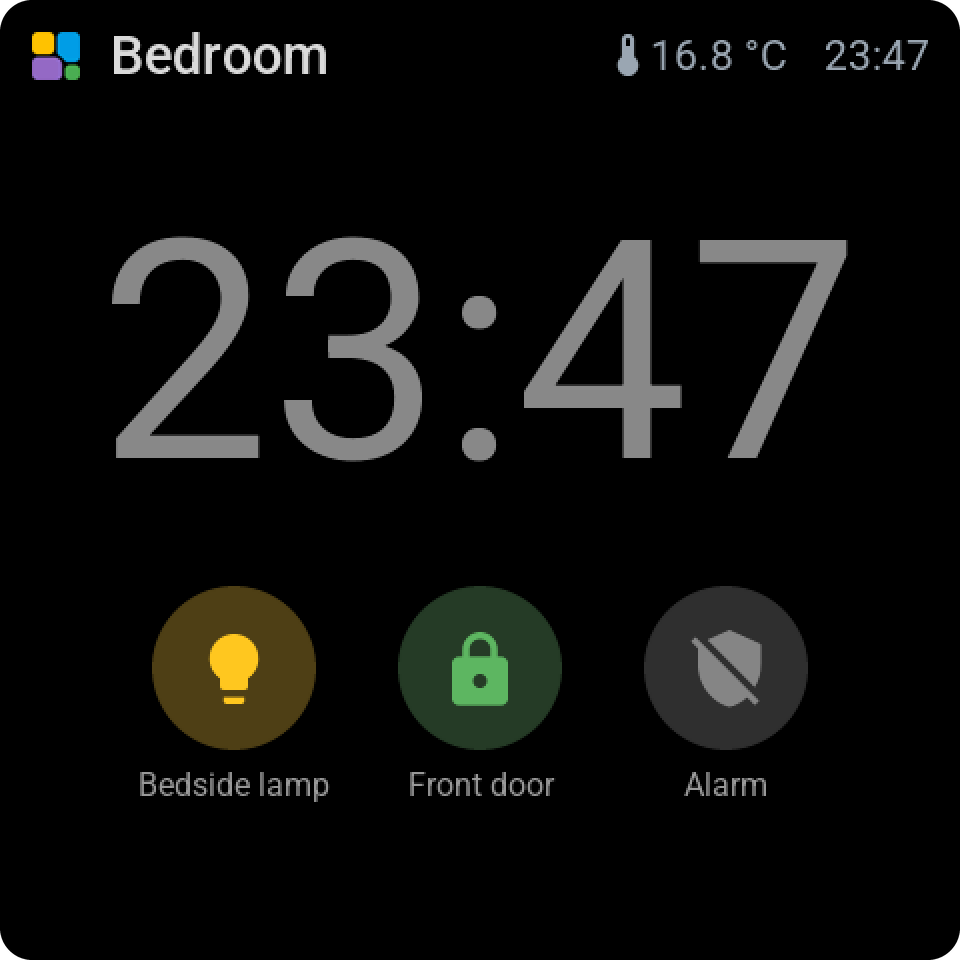
Adding it
Open the screen in Tessera and add Bedside clock from the Screen group in the library. It takes a whole page, once per screen.
Drag a lamp, a temperature or a lock onto one of the round places under the time, or tap a place and pick one in the library. A tile that is already on the screen can be dragged onto a place too, and a key can be dragged back to a cell to become a tile again.
The keys
A key is a tile in its round form. A tap does what the tile does, switching the lamp or opening its card, as you set under On tap; holding opens its card. A lock asks for a second tap before unlocking. The circle takes the colour of the state, and a temperature shows its value instead of an icon.
Each key has a name under it, which Name under the key turns off. With every name off the keys stand closer to the time. On the small screens the keys show without names.
Good with the night
The clock has no card behind its digits; pick a background like for any tile to get one. It goes well with Dark mode and the night hours: a black page, and the backlight that dims at bedtime. On a 12-hour clock AM or PM stands small under the time.