 tessera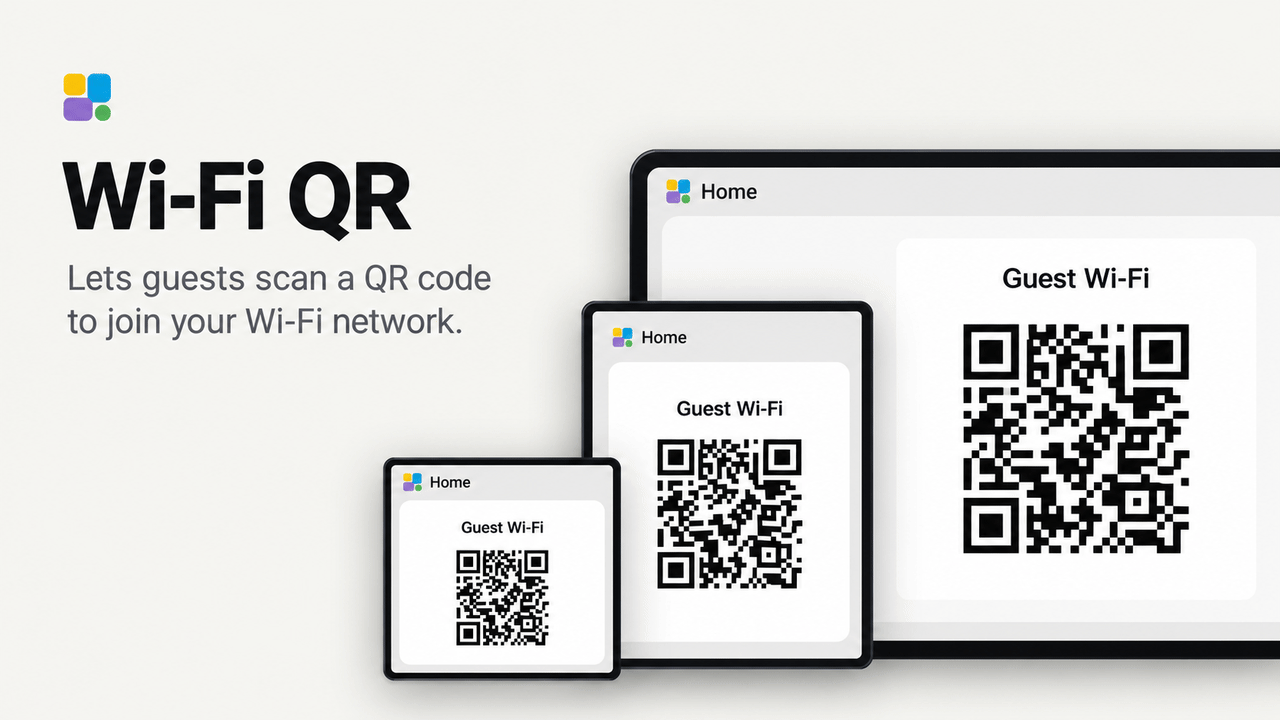
No rating yetRatings come from people who run it, in the Tessera app
0people like it, some without running it
0homes use it, of those who share that
A Tessera tile that shows a scannable QR code for a Wi-Fi network. Its network name and password come from two Home
Assistant input_text helpers, so changing either helper updates the tile without rebuilding the screen.
Set up
- In Home Assistant, create two Text helpers named
WIFI_SSIDandWIFI_PASSWORD. - Put the Wi-Fi network name in
WIFI_SSIDand its password inWIFI_PASSWORD. - Add this plugin to a screen in Tessera. Choose those two helpers when Tessera asks for them, then build the screen.
- In Layout, place the Wi-Fi QR tile from the Plugins group and resize it from 1 x 1 up to 3 x 3. A size of at least 2 x 2 is recommended for reliable scanning.
Good to know
- The QR code uses the common
WIFI:format with WPA security. Modern Android and iOS cameras can scan it directly. - The password is sent to the screen through ESPHome's Home Assistant connection. It is encoded in the QR code but is never printed as text on the display.
- Anyone who can see the tile can join the network. Put it only on screens and pages intended for guests.
- Hidden or open networks and WEP are not supported in this first version.