 tessera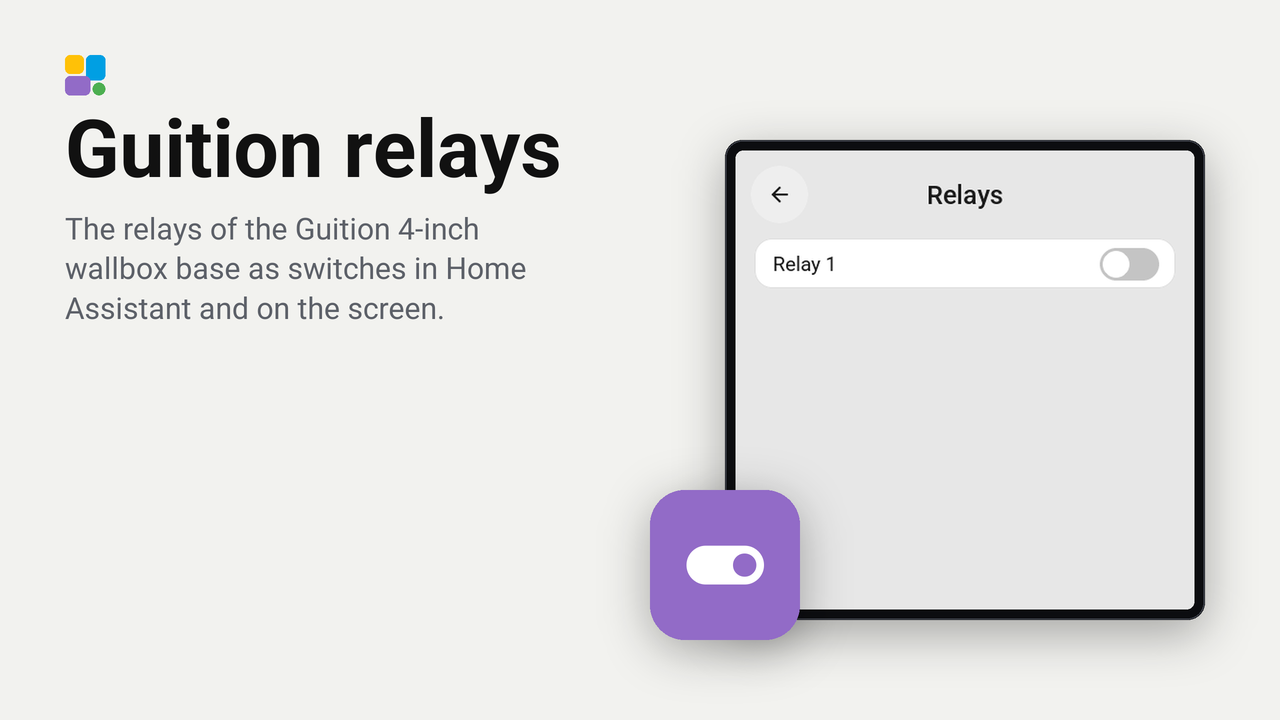
Guition relays
The relays of the Guition 4-inch wallbox base as switches in Home Assistant and on the screen.
The Guition 4-inch screen (ESP32-S3-4848S040) is also sold on a mains-powered wallbox base with one or three relays. This plugin makes those relays work: each one is a switch of the screen in Home Assistant, ready for a tile or an automation, and on the screen's own settings page.
What you need
- A Guition 4-inch screen on a base with one or three relays. The screen without a base, or on a base without relays, has nothing for this plugin to switch.
Set up
- In Tessera, open Plugins, choose Guition relays and tick your screen.
- Base with three relays? Tick Three relays for that screen. Leave it off for a base with one.
- Add it. The screen builds once.
- In Home Assistant the screen's device now has Relay 1 (and Relay 2 and Relay 3):
switch.<screen>_relay_1and so on. Rename them in Home Assistant to what they switch, such as "Ceiling light". - In Tessera's Layout, put a relay on a tile like any other switch.
Changed your base later? Open the plugin's details on the screen's Plugins tab, tick or untick Three relays and choose Save and build.
On the screen
Hold the top bar, then Settings, Plugins, Relays: a switch for each relay. These switch the relay on the screen itself, so they work even while Home Assistant is away. A tile switches through Home Assistant: while Home Assistant is unreachable, the relays keep their state, but a tile cannot change them.
Good to know
- The relays are on GPIO40 (relay 1), GPIO2 (relay 2) and GPIO1 (relay 3), the pins of ESPHome's device page for this board. They are active-high, which a three-relay base confirmed.
- Each relay keeps its state across a restart, and starts off the very first time.
- Added the relays through the screen's Override YAML before? Remove that
switch:block first: the plugin uses the same pins and the same names, so the build would otherwise find each pin twice. With the same names, Home Assistant keeps the entities, their names and your automations. - Not tested on a one-relay base yet. If yours behaves differently, please say so in an issue.
Safety
The base carries mains voltage. Have it wired by someone qualified, and check the relay's rating against the load.