 tessera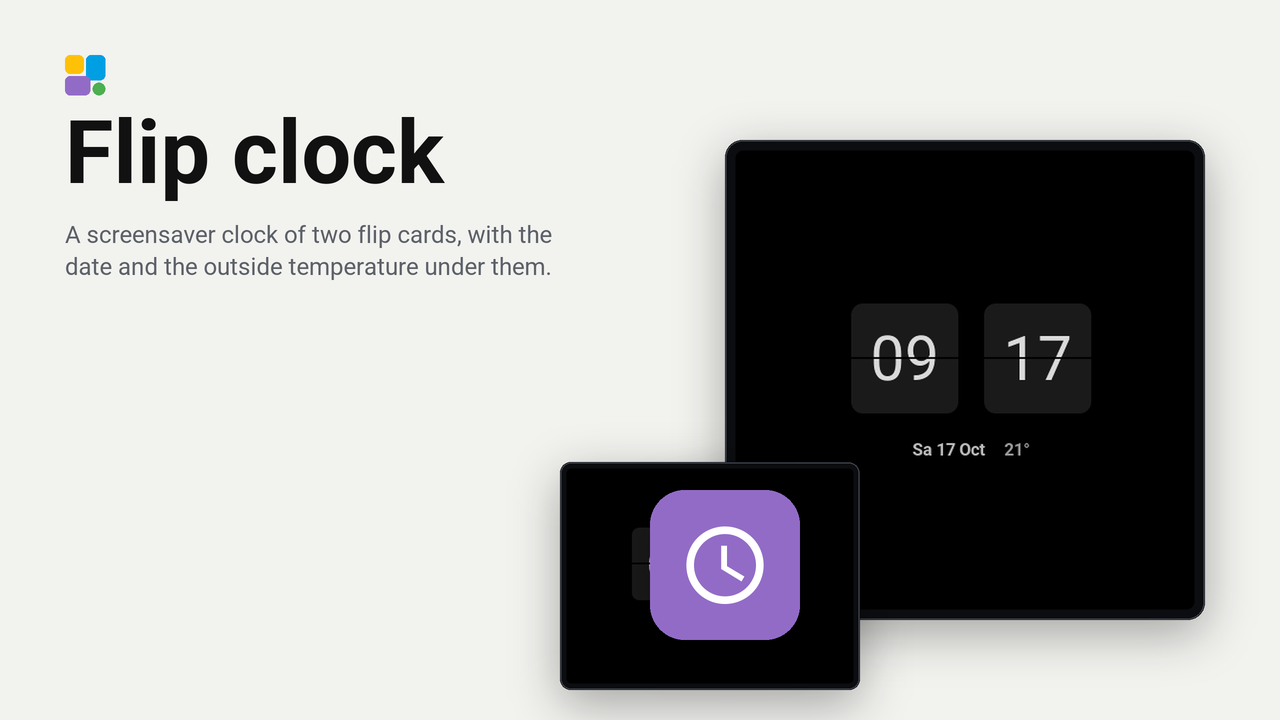
Flip clock
A screensaver clock of two flip cards, with the date and the outside temperature under them.
No rating yetRatings come from people who run it, in the Tessera app
0people like it, some without running it
0homes use it, of those who share that
A face for the screensaver's clock: the hours and the minutes on two flip cards in the screen's largest digits, with the date and the outside temperature under them, white on black like every screensaver. A dot between the cards blinks every second; you can turn it off.
It is the smallest screensaver of a plugin and an example to learn from: no pictures, no taps, nothing to fetch. It works on every screen, the CYD too.
Set up
- Add the plugin to a screen in Tessera. The screen builds once.
- Open the screen's Settings and the Screensaver card. Turn on Show in standby (the screen needs Auto standby on too).
- Click the Clock step and choose Flip clock under Face.
- Choose the temperature under the clock in the same drawer, or none. Turn Seconds dot off for a clock that is quite still.
Good to know
- The clock shows the time as the screen writes it, 24 hours or AM and PM, and the date in the screen's language.
- The screen moves the whole clock a millimetre every minute, so nothing stands on the same pixels for hours.
- A screen without the plugin shows Tessera's own clock instead.